Skip to content
Home
About
Services
Contact Us
Home
About
Services
Contact Us
Alvarez
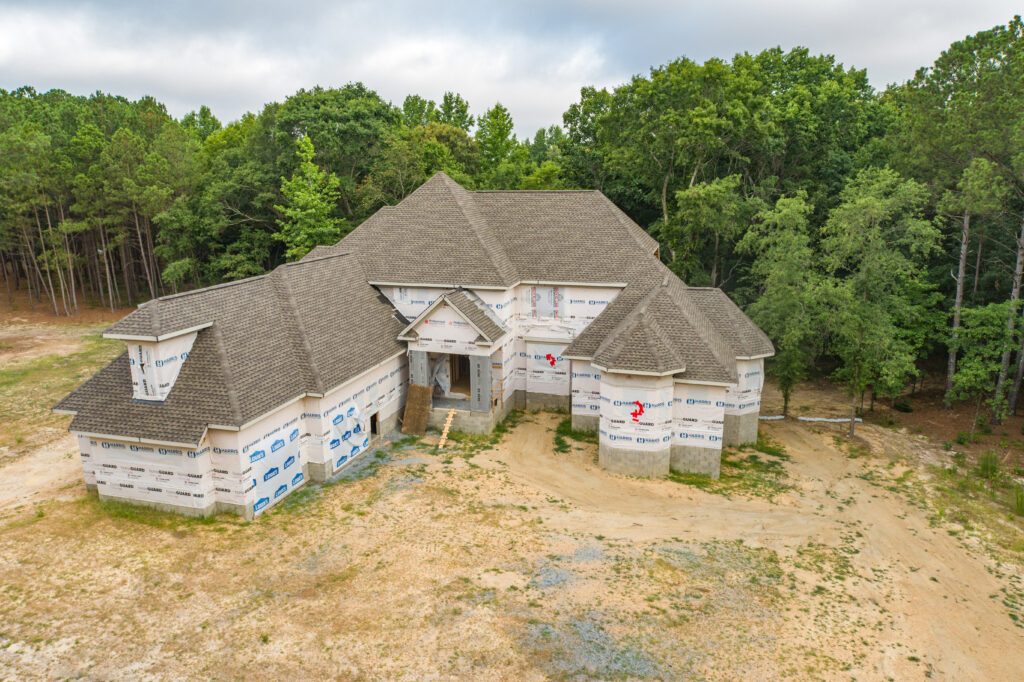
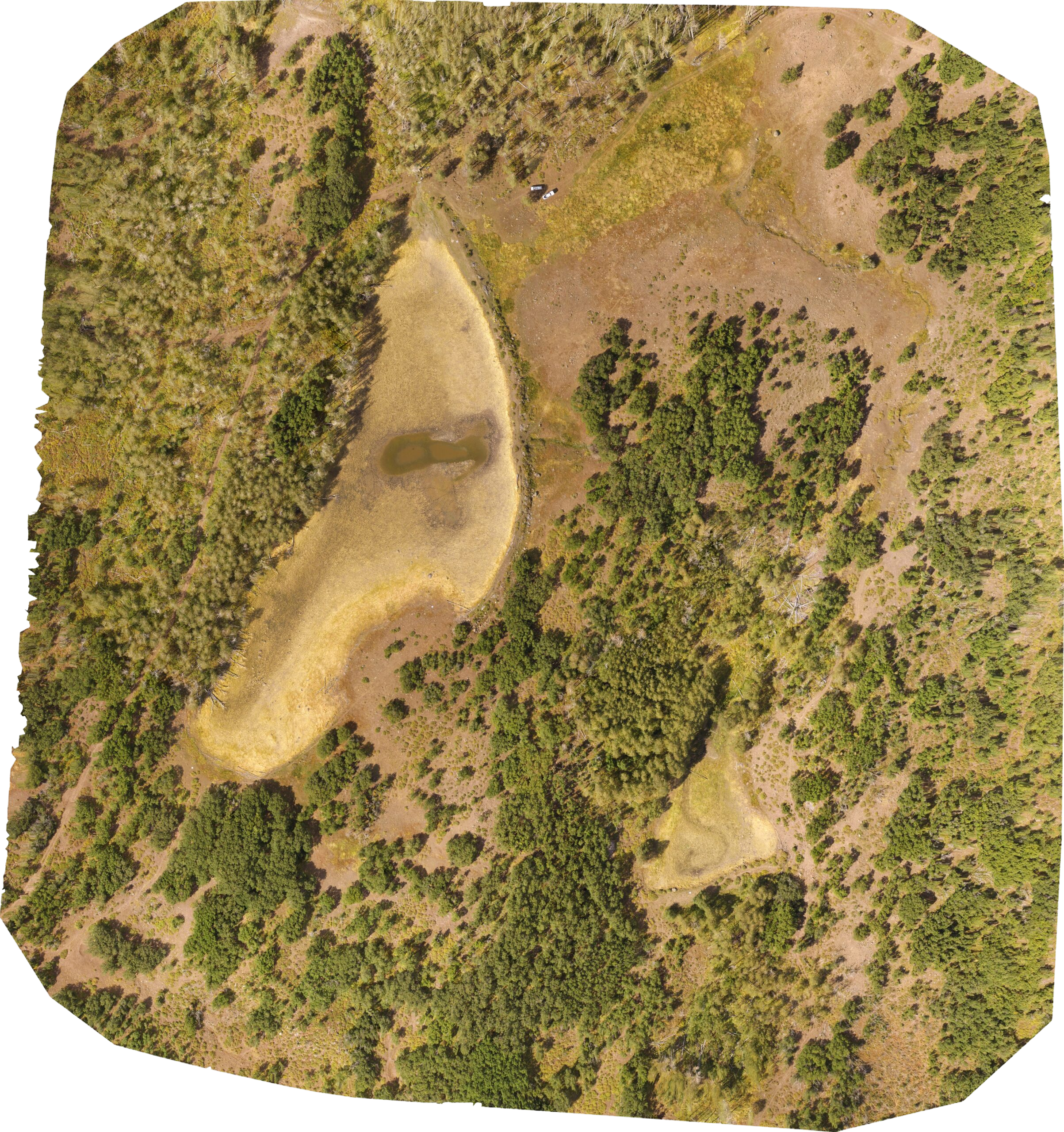
Explore from every angle with Drone Imagery
Orthomosaics
Photo Gallery
Video
3D view
For Best Results:
View when connected to WiFi
View on a computer on a web browser
Click on the settings icon in bottom right and then select “HD” (Will only allow “SD” on phone)
Left-click & drag to orbit (one finger)
Right-click and drag to pan (two finger)
Scroll to zoom (pinch)
View full screen
Want To Learn More About Our Services?
let’s talk
Our Services
close menu icon
Get your quote today!
Let's have a chat
Full Name
Phone
Email
Message
Send